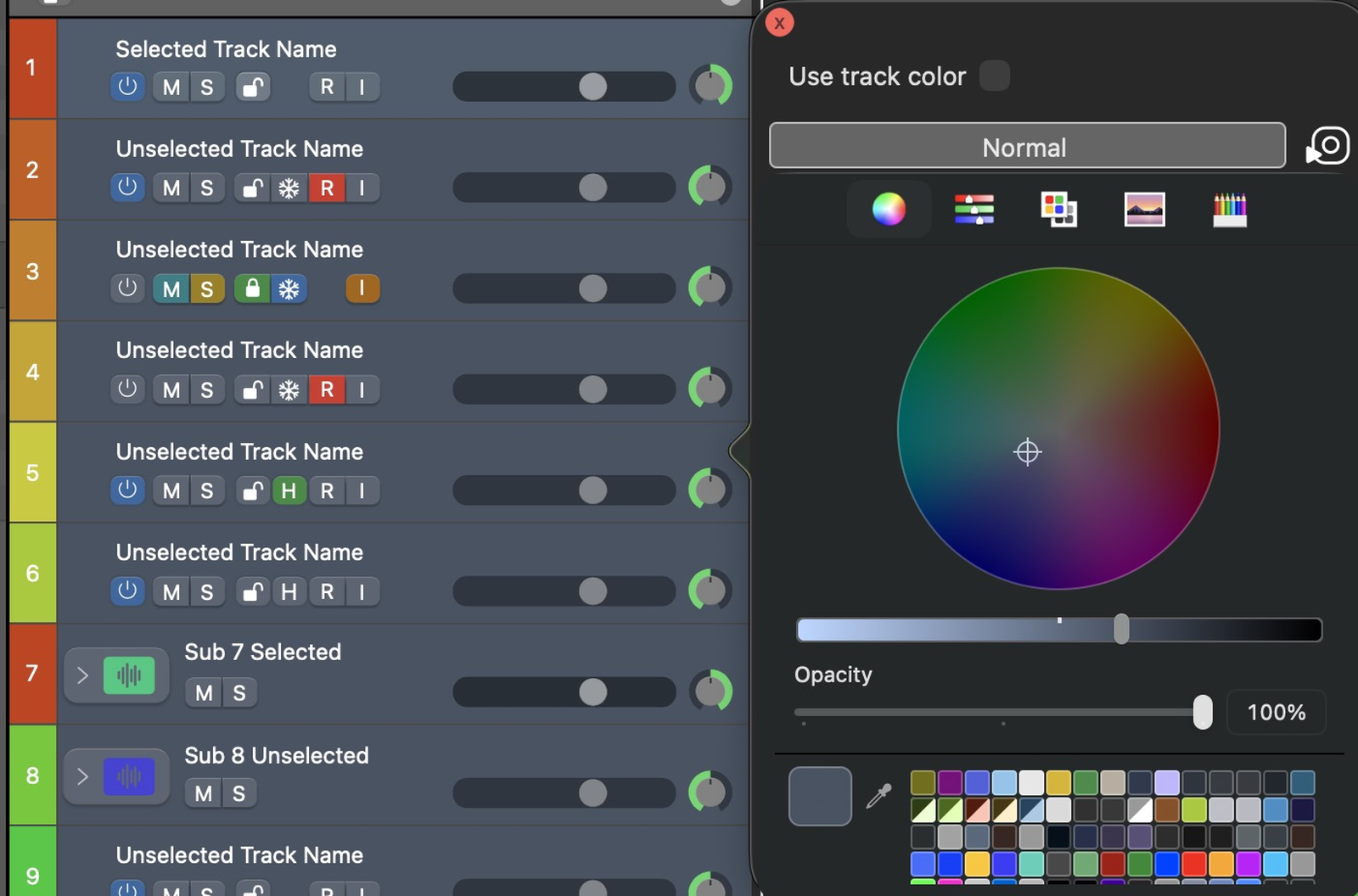
The Virtual Editor is a live replica of Logic Pro’s interface. Select any visual element and its colour editor opens — an intuitive, interactive way to build a theme with direct visual feedback. Browse between virtual windows (mixer, arrange, piano roll and more) from the top bar.
Select an element to open its colour editor
Tree Editor
The Tree Editor is a hierarchical list of Logic Pro elements, named after Logic’s own nomenclature. It’s ideal for hard-to-click targets (like thin borders) and for batch work. Switch between colour and text search modes to locate elements fast.
The element tree, searchable by name or colour
Filter by colour
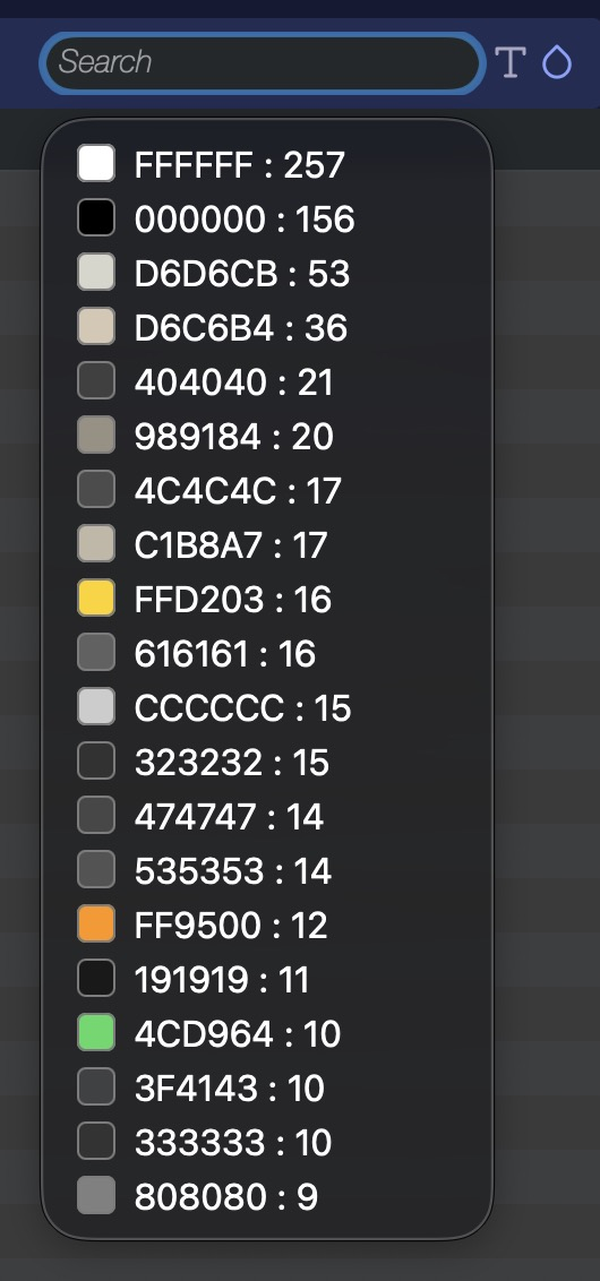
Click the drop icon (colour filter) beside the search box to list every colour used in your theme, with its usage count. Pick one to select — and recolour — all the elements that share that colour at once.
Every colour in the theme, with how many elements use it
Color Editor
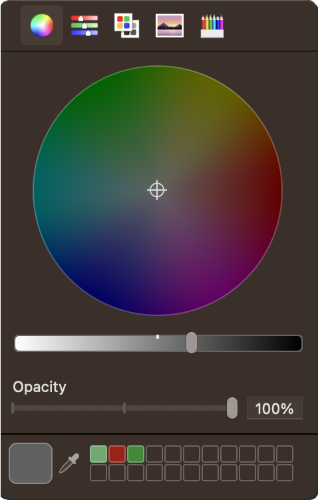
The Color Editor gives you three complementary views of any selected colour:
Color wheel — a circular view of the spectrum; drag to pick a tone and use the slider for brightness/shade.
Color sliders — the exact code for the current colour (RGB e.g. 72,73,231 or Hex e.g. 4749E7).
Palette view — every colour defined in your theme, with occurrence counts, for batch-recolouring shared colours.