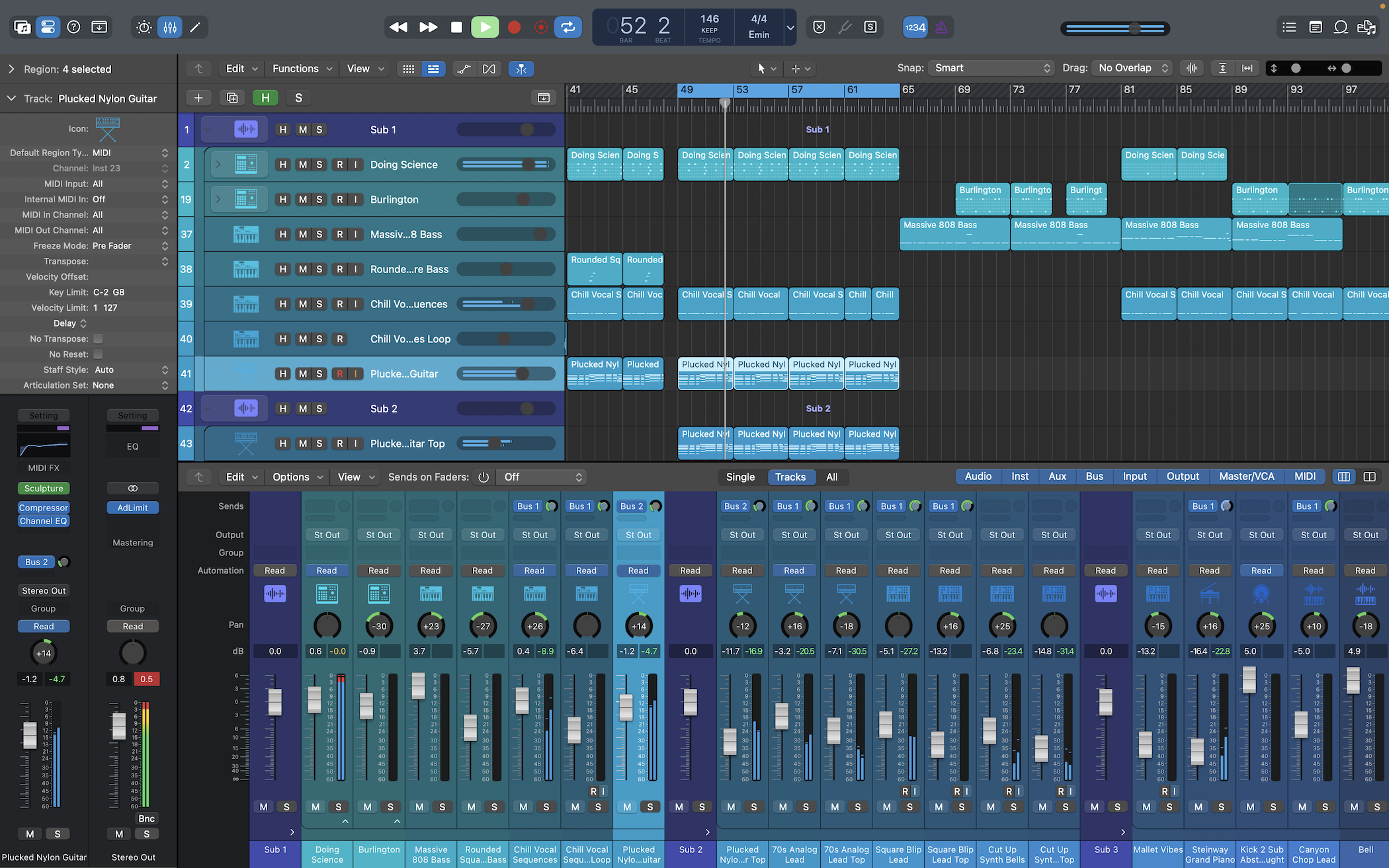
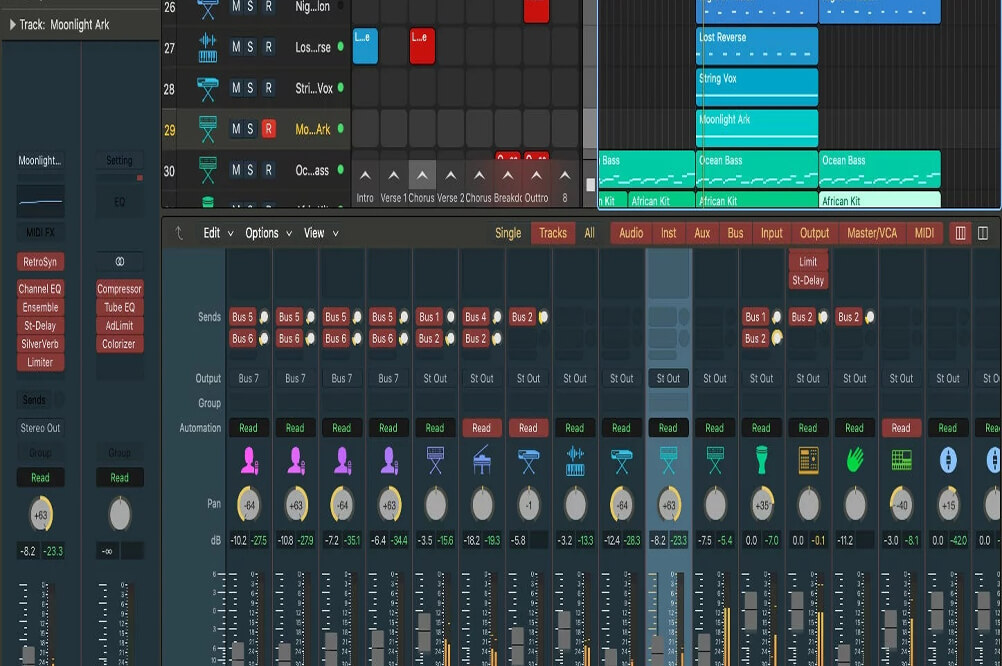
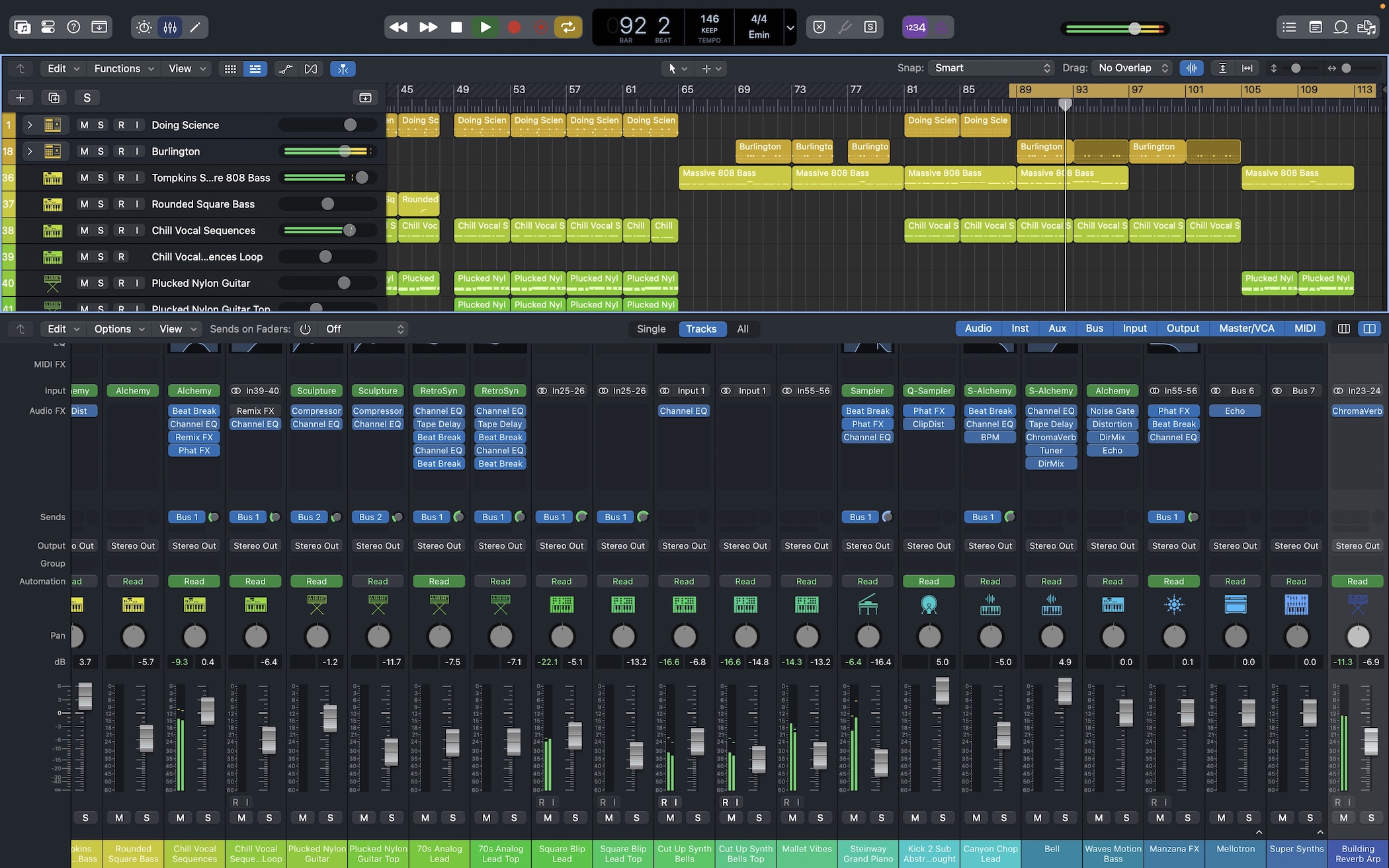
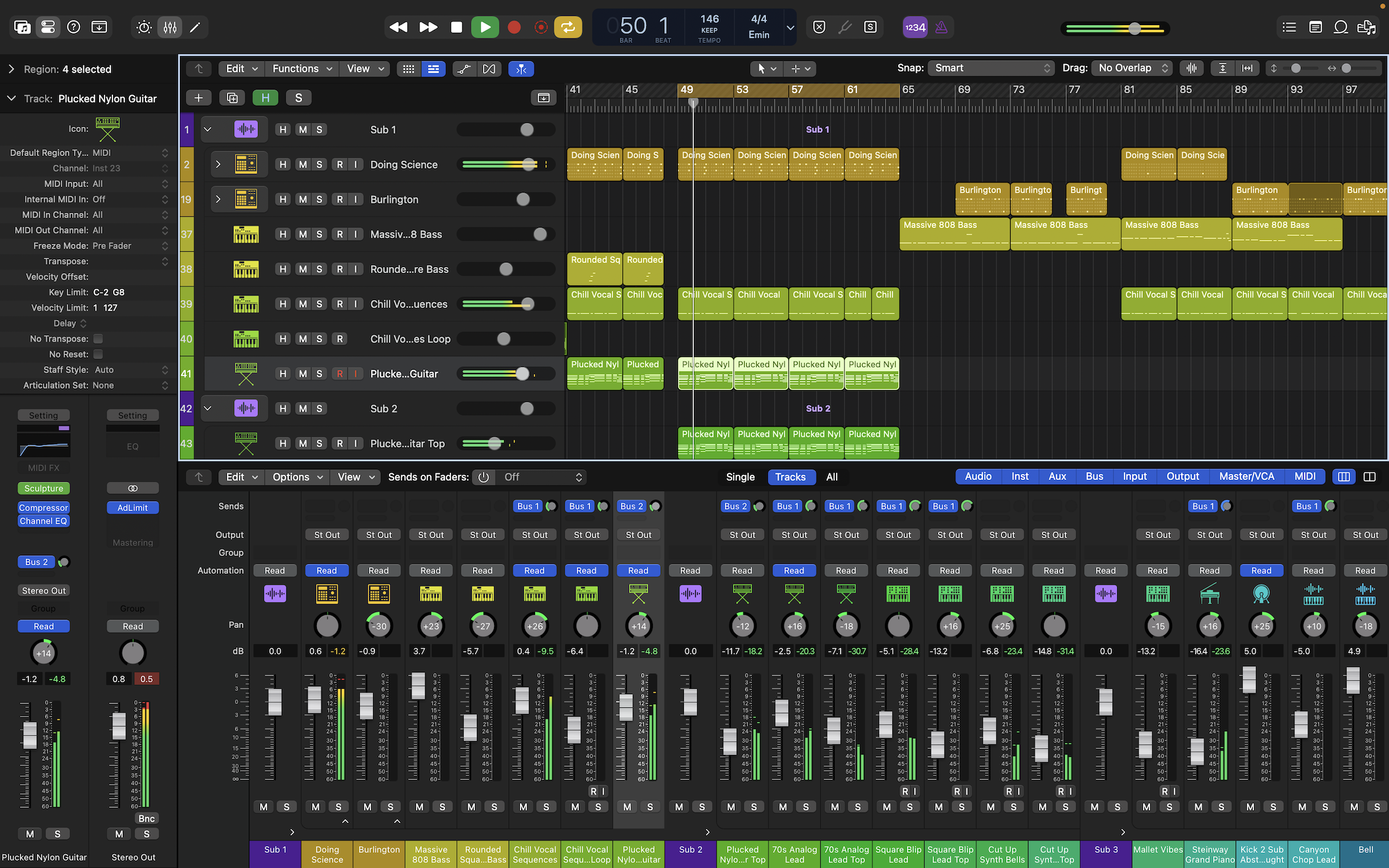
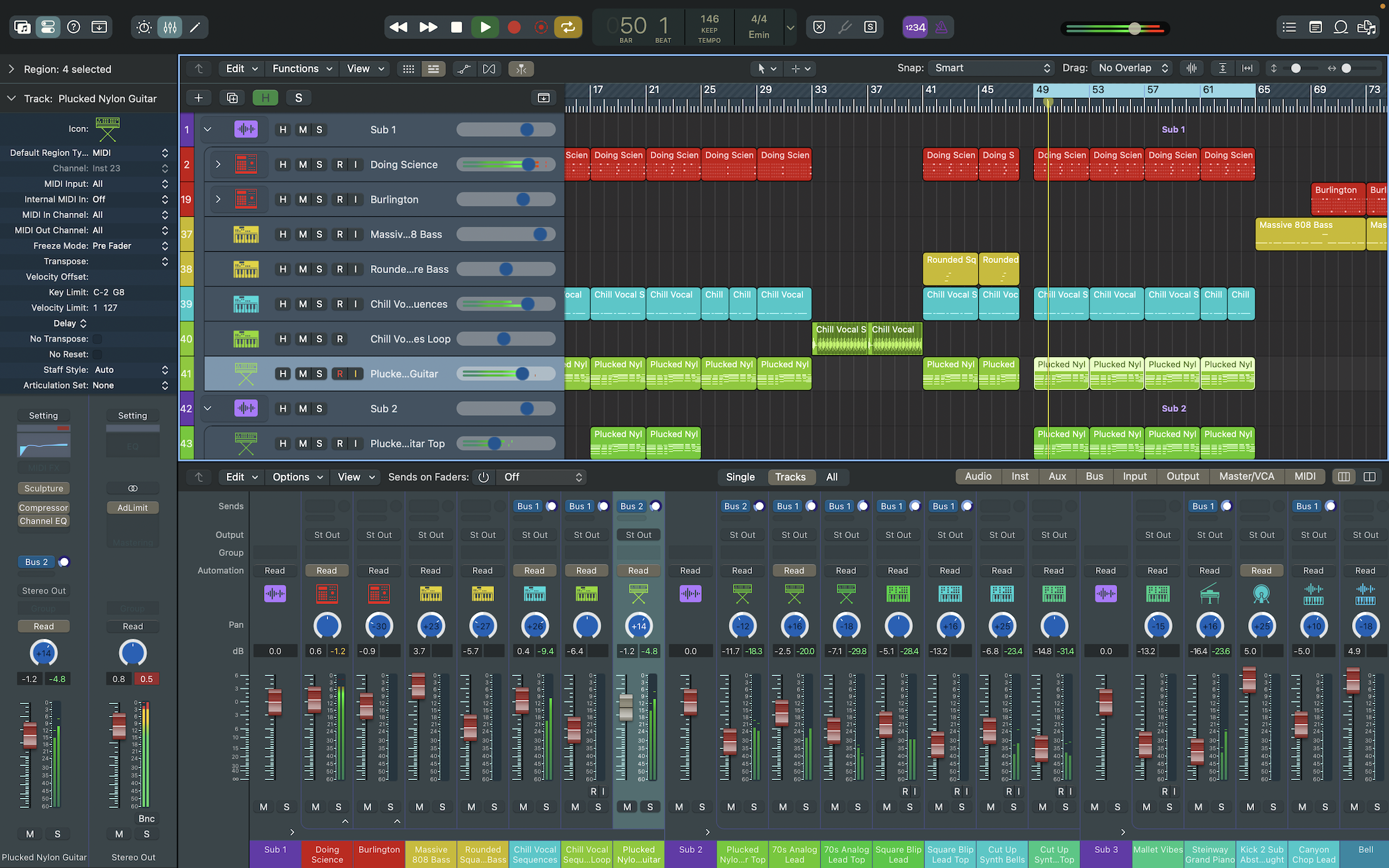
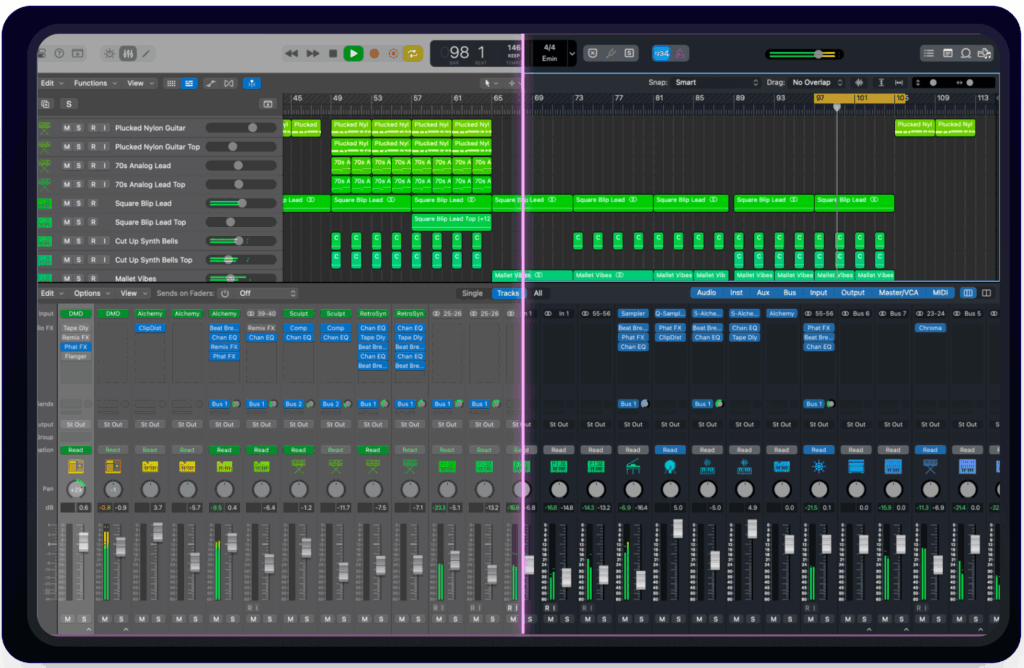
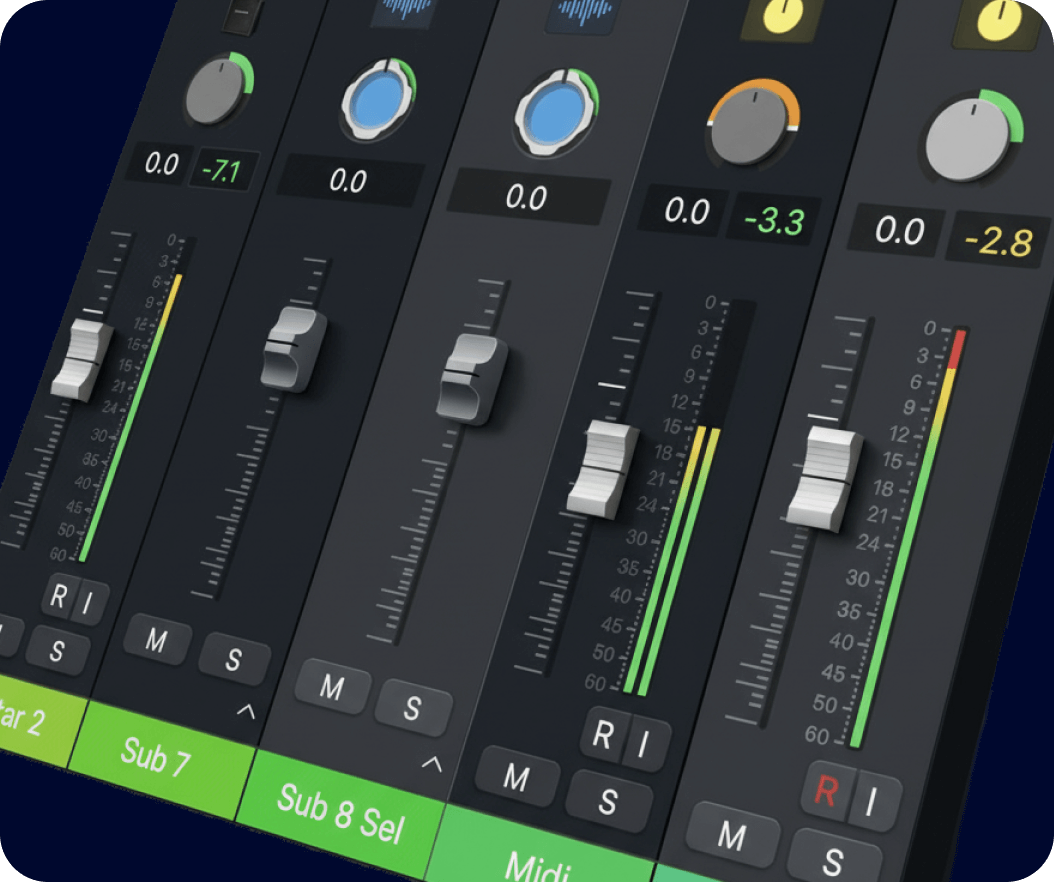
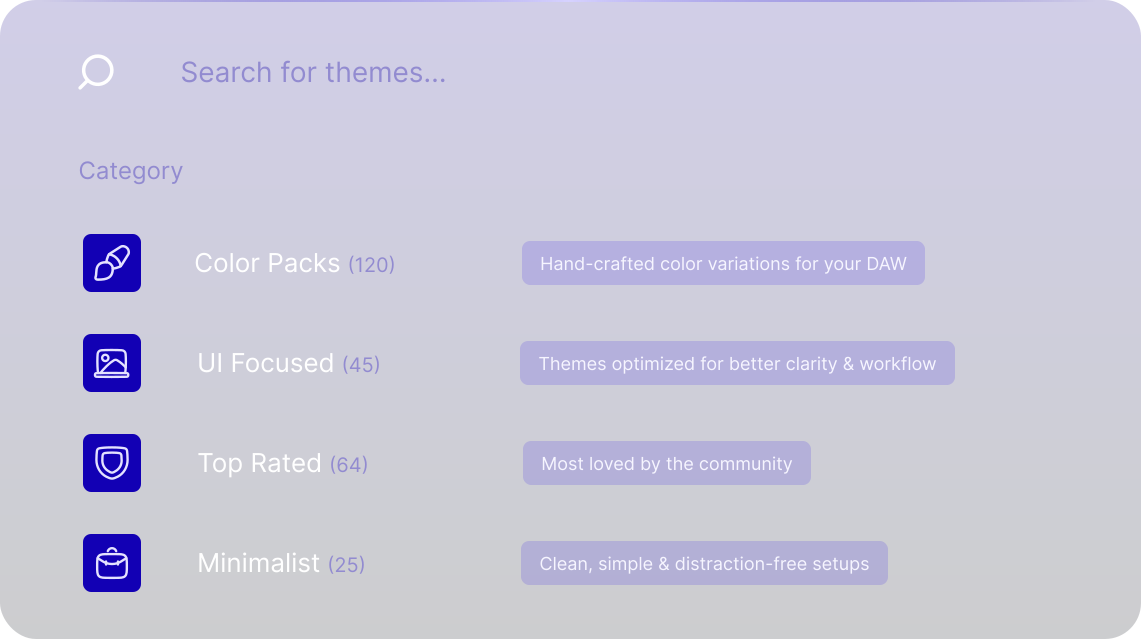
Designed to help you work faster, see clearer, and earn more.
Eye Comfort
Set Quick Personal Visual Cues adjusted to your eye sight.
Productivity & Organization
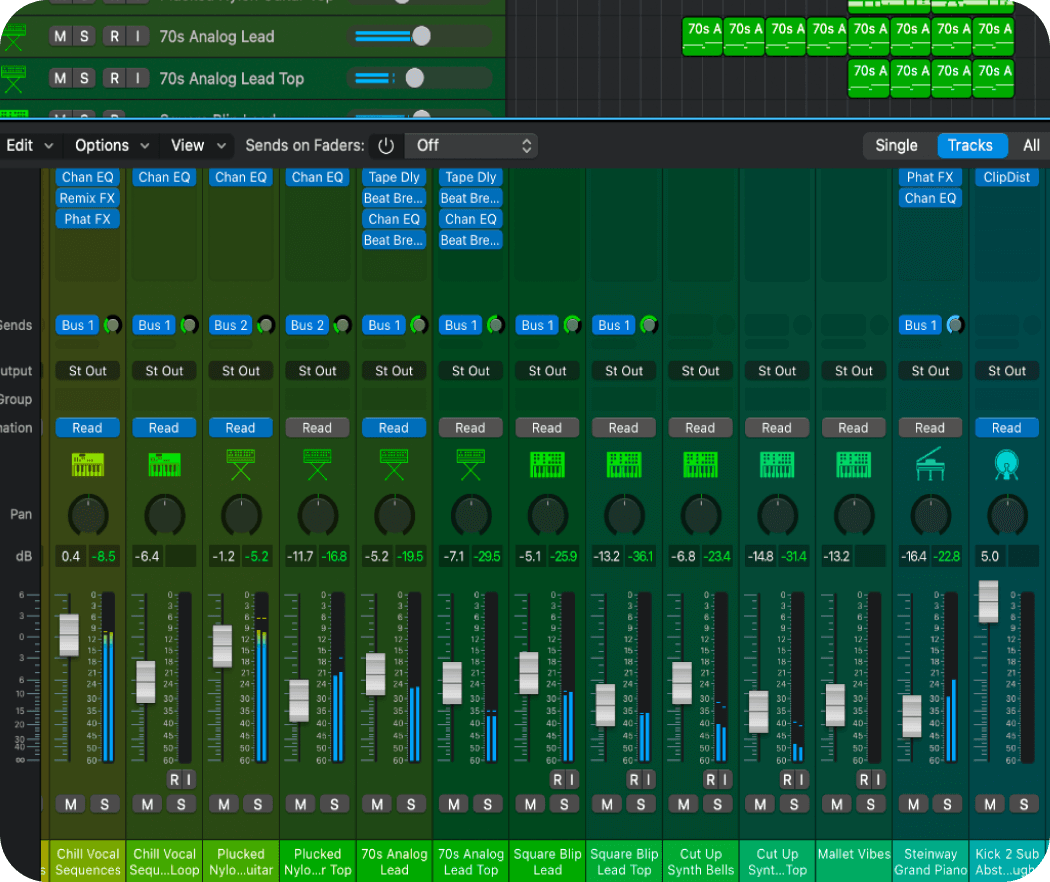
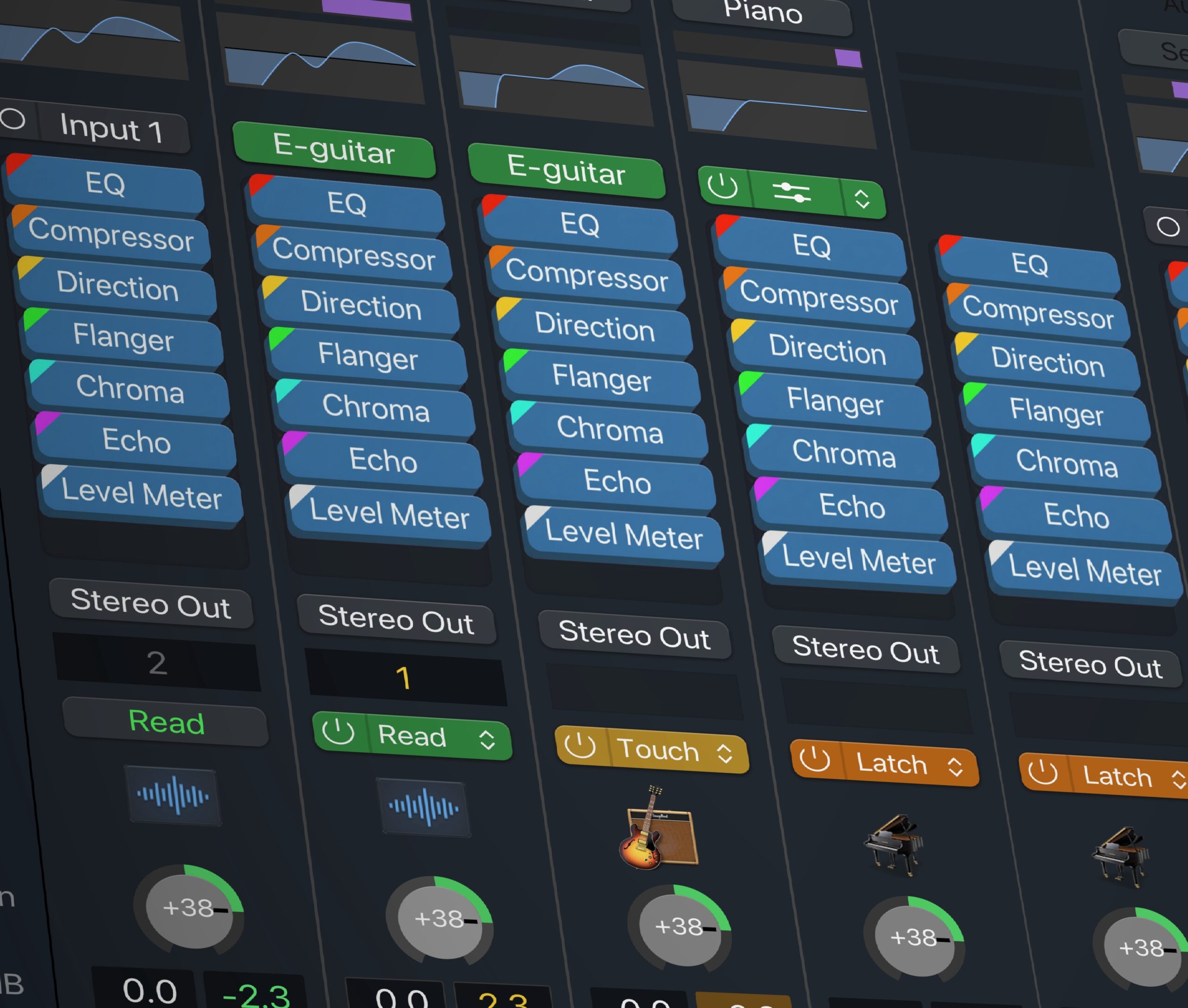
Colorize the entire channel strips to quickly identify tracks and groups without reading names.
Make Money
Sell your Themes & spread the word to make additional profit.
User Interface
Why Choose LP Colorizer?
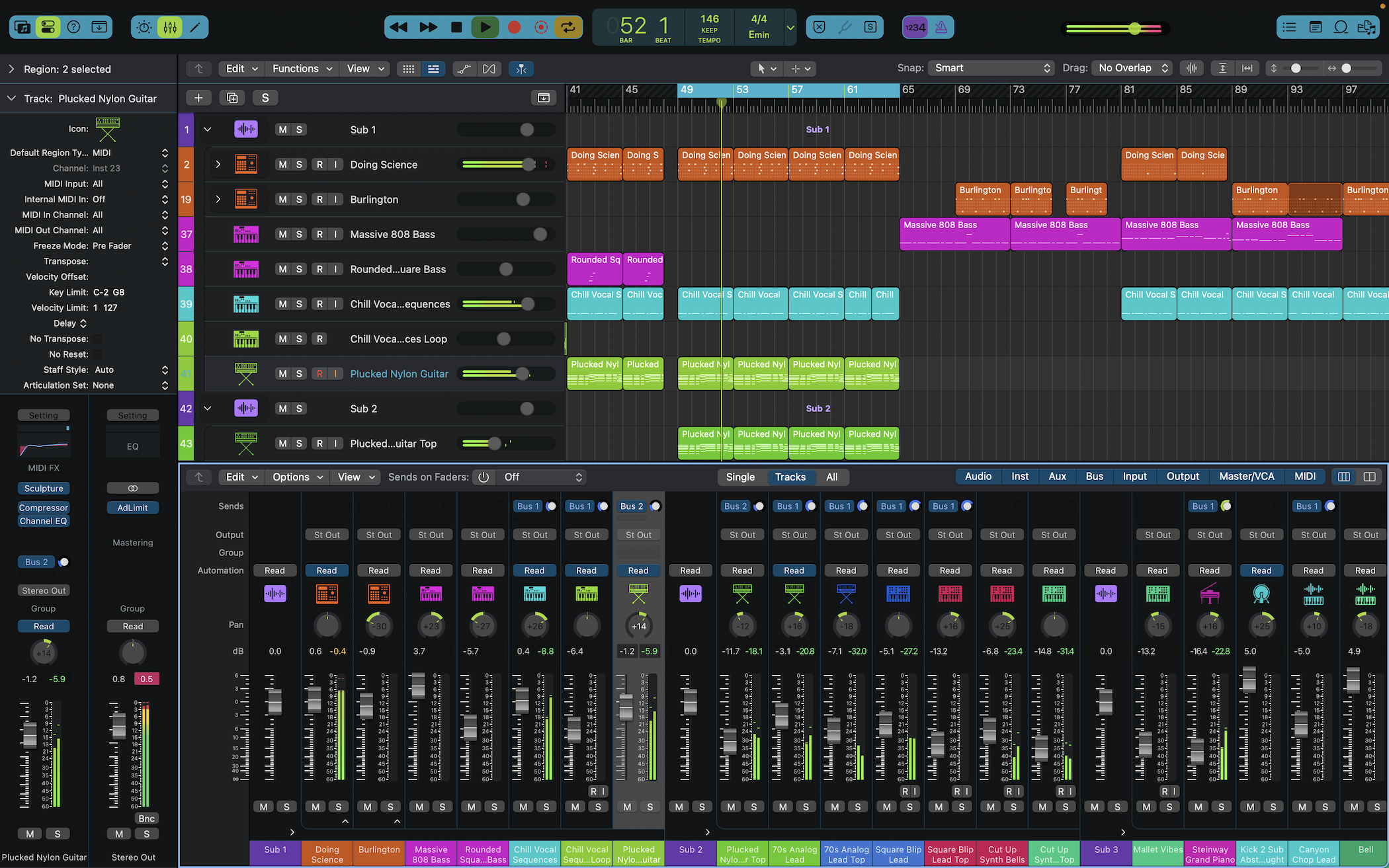
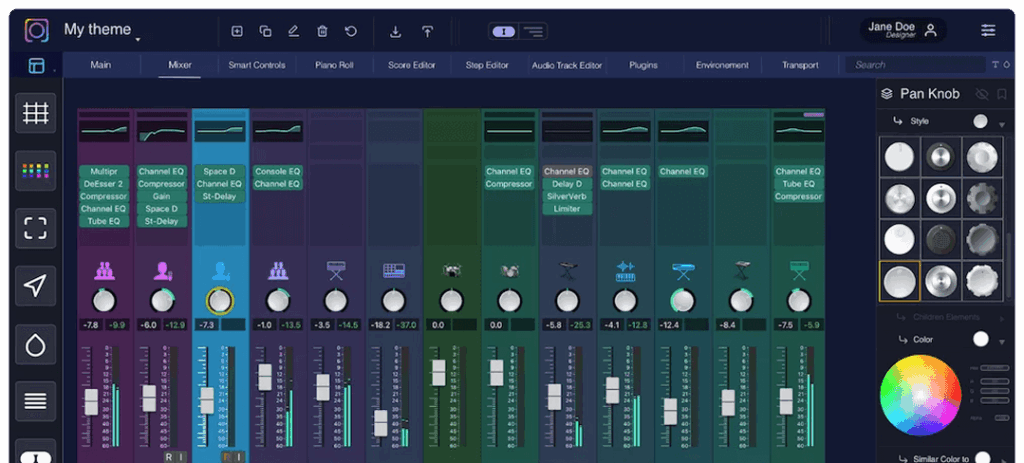
Colorizer V3 introduces an interactive UI — click any element, change its color, and see instant updates in the Logic preview. No more hunting through menus or restarting Logic.
“I’ve discovered one of those new products that just brought an immediate smile to my face, The LPX Colorizer. There’s nothing for your home studio like putting in a big screen monitor, great LED Colored lighting, cool acoustic tiles, and then your Logic Pro X looks like a cheap plastic toy because of the bright plastic colors it uses. Now my Logic Pro X can look more professional and I love it!”
Gary Earl
Grammy nominated Producing, Mixing, Playing
National Kennedy Center for the Arts Award for songwriting
700+ Syncs in movies, tv shows, commercials
“LPX Colorizer is addicting, intuitive, and so much fun to use! The pre-built themes are incredible. Logic Pro X now looks like the best DAW on the market thanks to this incredible software. Most importantly, there is absolutely zero decrease in performance — the only thing that changes are the colors!”
Josh Zandman
Grammy & Dove Award-winning songwriter and musician
World tours #1 song in Burlap to Cashmere (A&M/Interscope)
Piano on the Kanye West song – Family Business
“I often export Logic Pro sessions in Pro Tools for mixing and most post production. Having a similar color scheme and being able to color tracks in the mixer helps me and my assistants a great deal keeping things organized and consistent across multiple DAWs.”
Fabrice Dupont
Grammy-winning engineer & producer, Flux Studios
FAQ
Frequently Asked Questions
What is LP Colorizer and how does it enhance Logic Pro?
LP Colorizer is a macOS app designed to let you customize the look and feel of Logic Pro, Apple’s professional music production software. It allows you to change the colors of Logic’s interface elements—like track headers, mixer panels, buttons, and backgrounds—beyond what’s possible with Logic’s built-in tools.
Which versions of macOS and Logic Pro are supported?
I am trying to create a vendor account on the theme store but it does not work
If you don’t own a vendor license you cannot create this type of account. For any other error please contact us. For more information about the theme store please check the theme store’s FAQ.
I need more information about the Vendor license
For more information about the theme store please check the theme store’s FAQ.
How do I change the style of an interface element?
Please check this part of the manual. If the “image” option is not available from the dropdown menu It means that no custom styling is yet available for this element.
Get in Touch
Do you have any questions for us?
We enjoy learning from Music Producers, understanding their needs and demands. All feedbacks are welcome, and of course should you have any questions please send them our way!